Description
Sometimes you have so many images to load it can slow things down or look ugly. By lazy loading images you can make the user experience better.
?
Reach for when
You have so many images to load it looks choppy and slows down the UI.
Visualization
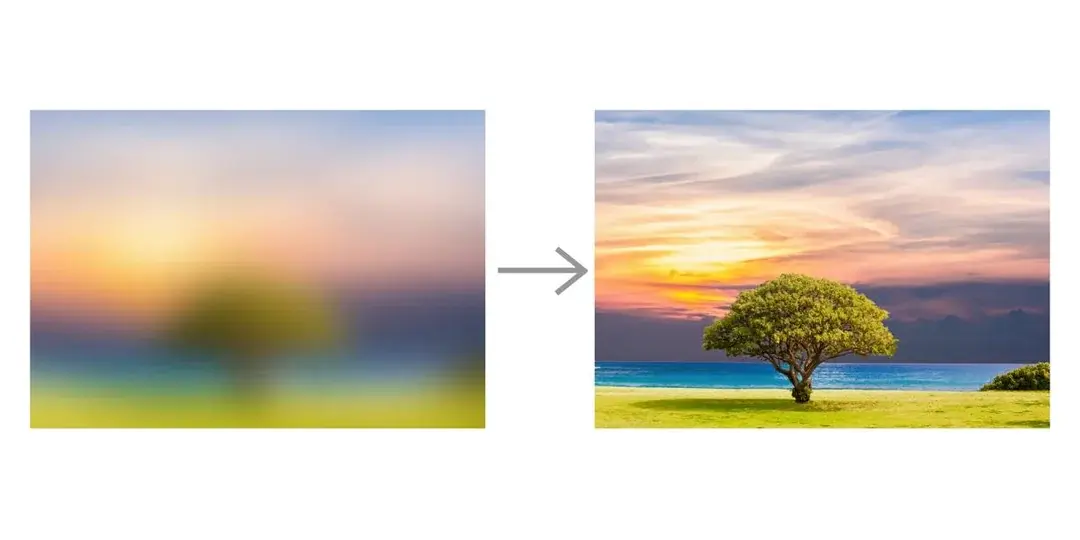
Pseudocode
API - returns Low Quality Image Placehoder LQIP (20px wide ~200bytes)
Div - filter:blur(20px) streaches and blurs image on div
Image - loading="lazy" or IntersectionObserver triggers load
Image - onLoad -> opacity: 0->1
Code
<div style={{
	aspectRatio: '16/9';
	background: url(${lqipBase64});
	filter: blur(20px)
}}>
  <img src={fullUrl} loading="lazy"
    onLoad={e => e.target.style.opacity = 1}
    style={{
	    opacity: 0;
	    transition: "opacity 300ms"
	}} />
</div>
- Note that you can also use Progressive JPEGs which are images served in a way that they load pixles in a fill order rather then all at once, this can further help with the issue.